🪟
Multi-Window Spatial Grid View New v1.7
Break out of single-column lists. View all browser windows as live interactive cards. Reorder and migrate tabs between windows with intuitive drag-and-drop. Filter each window independently with dedicated search bars, and automatically detect Incognito or Private windows displayed in sleek dark-tinted cards.
Drag & Drop Move
Per-Window Search
Incognito Dark Mode
Safe Batch Close
📊
Deep Analytics Dashboard New v1.7
Comprehensive intelligence across Tabs, Bookmarks, Lists, Sessions, and Domains. The Domain Cross-Explorer matrix reveals duplicate links and overlap across your entire digital footprint.
Domain Cross-Matrix
Memory Metrics
JSON / MD Export
⚙️
Autonomous Routines & Macros New v1.7
Automate repetitive tab maintenance with trigger-filter-action pipelines. One-click presets suspend inactive tabs, deduplicate domains, organize workspaces, and mute background audio.
Visual Rule Builder
Quick Run Menu
Preset Gallery
🤖
Universal AI Assistant (On-Device & BYOK) AI-Powered
Harness Chrome's native Prompt API (Gemini Nano) for 100% private, on-device tab orchestration that never transmits your browsing history to external servers. Or connect your own API keys for Google Gemini 3.5 Pro/Flash, Anthropic Claude, Ollama local models, or OpenAI endpoints. Featuring an omnipresent slide-out drawer, token budget estimator, persistent chat memories, and direct natural language tab execution.
Chrome Prompt API
Gemini 3.5 Pro & Flash
Ollama Local LLM
Token Budget Helper
Natural Language Actions
📺
YouTube Media Command Remote
Never hunt for the noisy tab again. Live seekbar scrubbing, play/pause toggles, and metadata tracking directly from your sidebar. Complete support for standard videos, YouTube Shorts, and YouTube Music.
Seekbar Scrubbing
Shorts & Music
BYOK YouTube API
📑
Curated Tab Lists & Bookmarks Suite
Save focused subsets of tabs as permanent collections. Choose between lightning-fast Extension Local Storage or native Chrome Bookmarks folder sync. Real-time synchronization keeps your research organized.
Dual Storage Sync
Folder Explorer
Bulk Move / Delete
☁️
Intelligent Sessions & Google Drive
Snapshot entire browsing sessions across windows with a single click. Restore entire workspaces or selectively pull individual tabs. Backup securely to your personal Google Drive AppData folder using your own client ID.
Full State Snapshot
Google Drive AppData
Selective Tab Restore
⚡
Virtualized 60 FPS DOM Engine
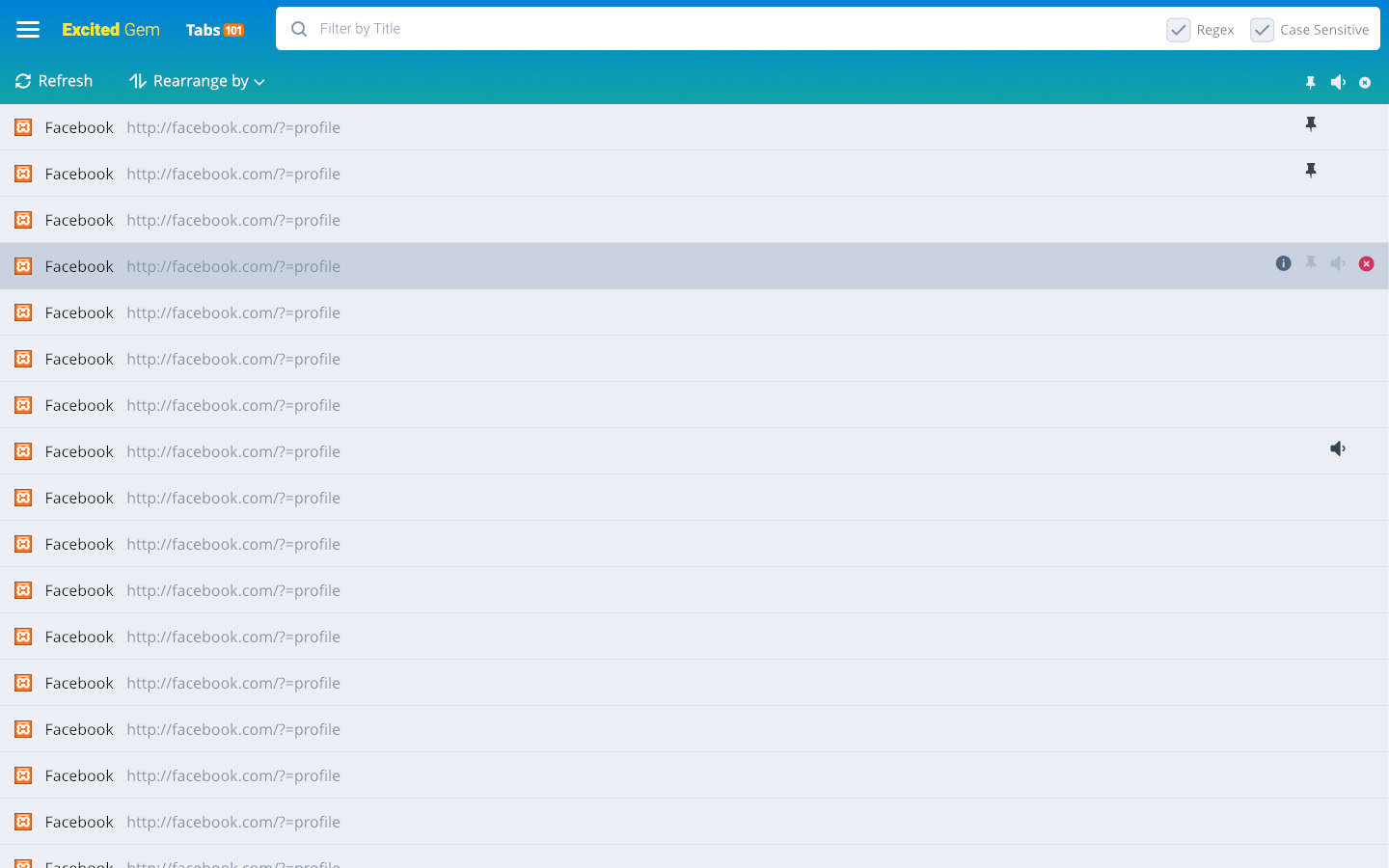
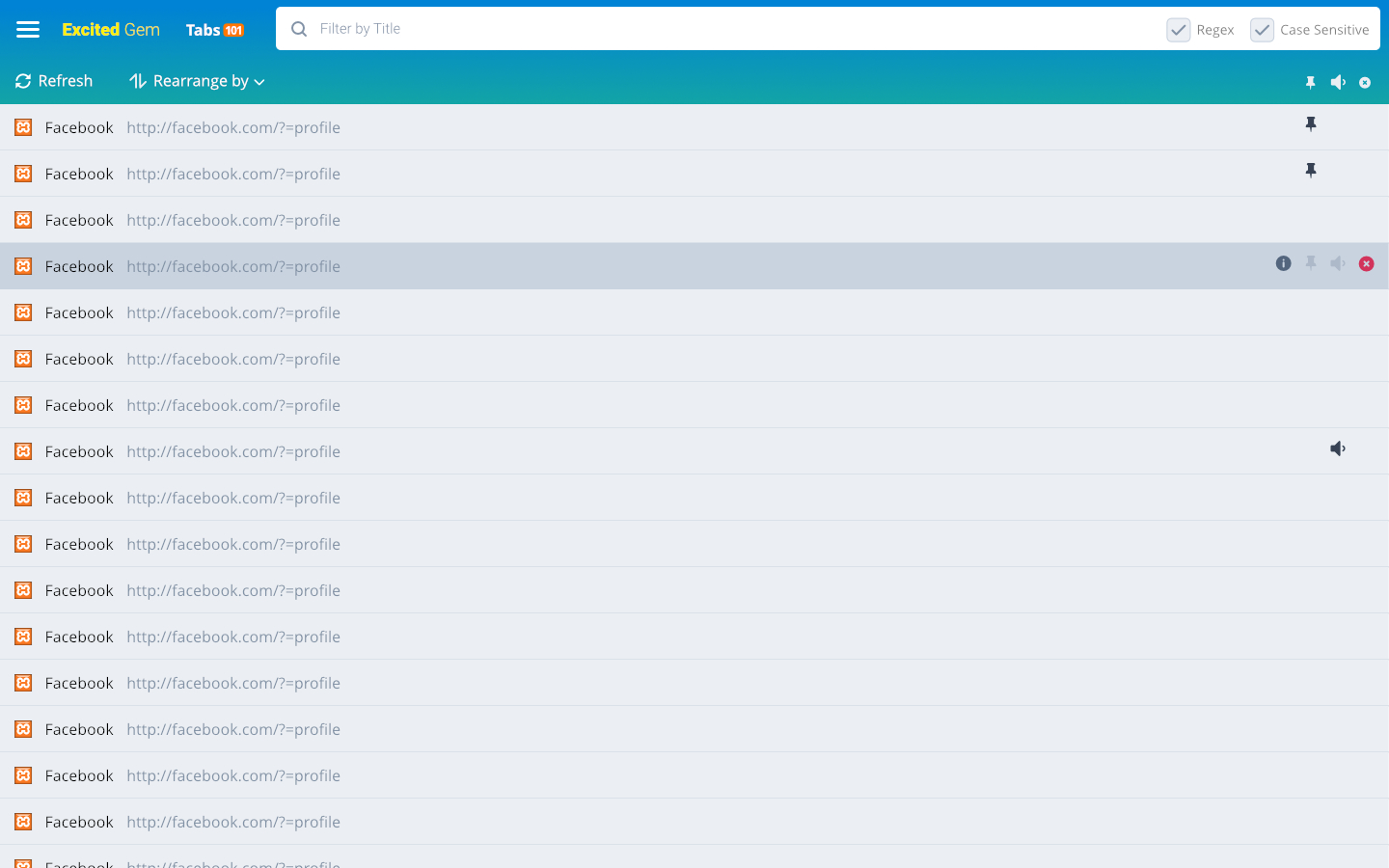
Keep your browser light and responsive. Our virtualized rendering list loads thousands of tabs while utilizing under 15MB of RAM. Includes debounced event listeners and bounded domain favicon caching.
DOM Virtualization
LRU Favicon Cache
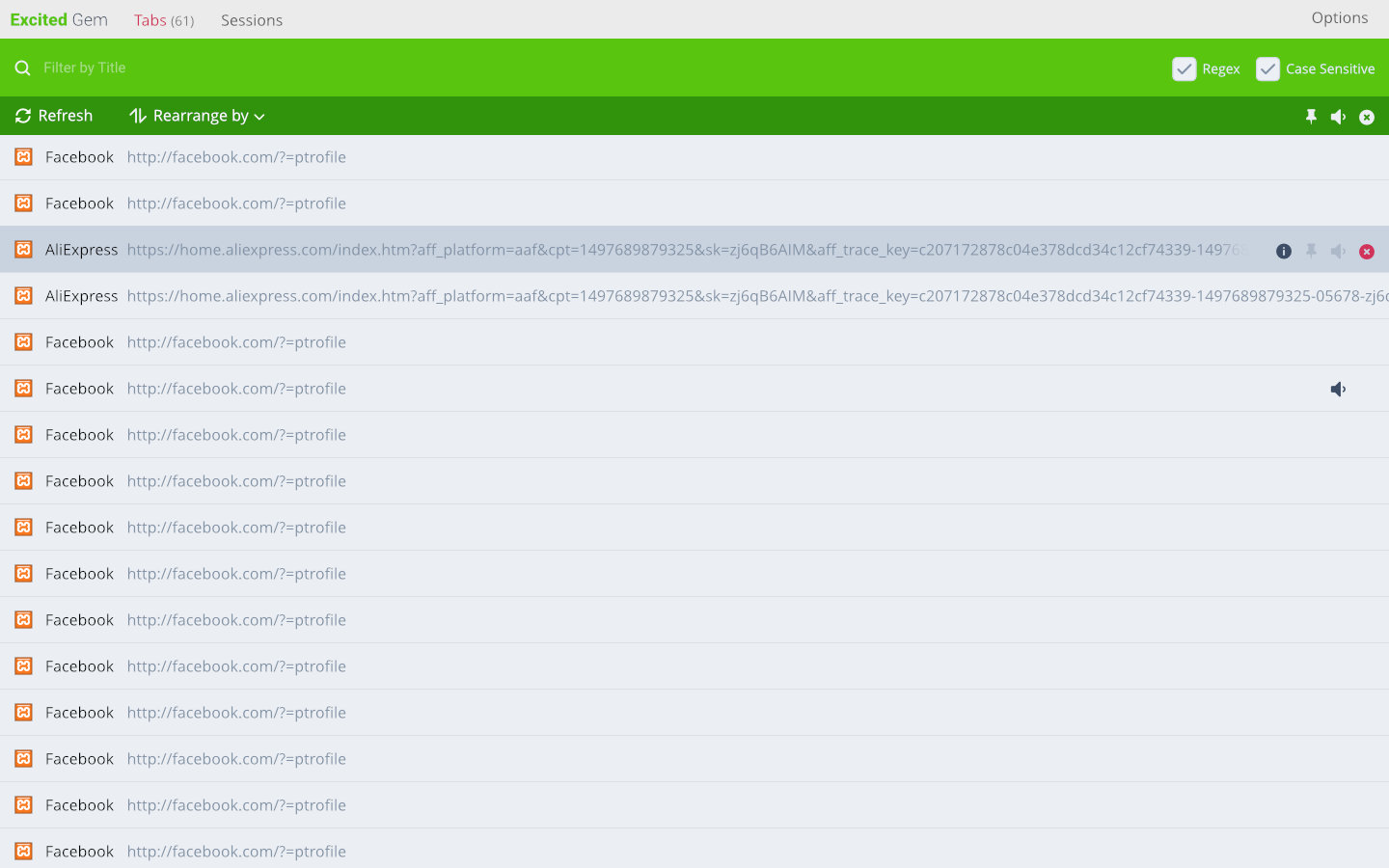
Regex Search Engine
🎨
Adaptive Multi-Surface UI
Use Excited Gem however fits your flow: as a persistent Chrome Side Panel, quick popup dropdown, or an expansive full-screen management dashboard. Toggle between Compact and Comfort display densities.
Chrome Side Panel
Popup Mode
Compact Density